

You just got your card.
Here's how to use it.
Your Cloud Card is an NFC-enabled business card that shares your digital profile with a single tap. Follow these simple steps to get started.
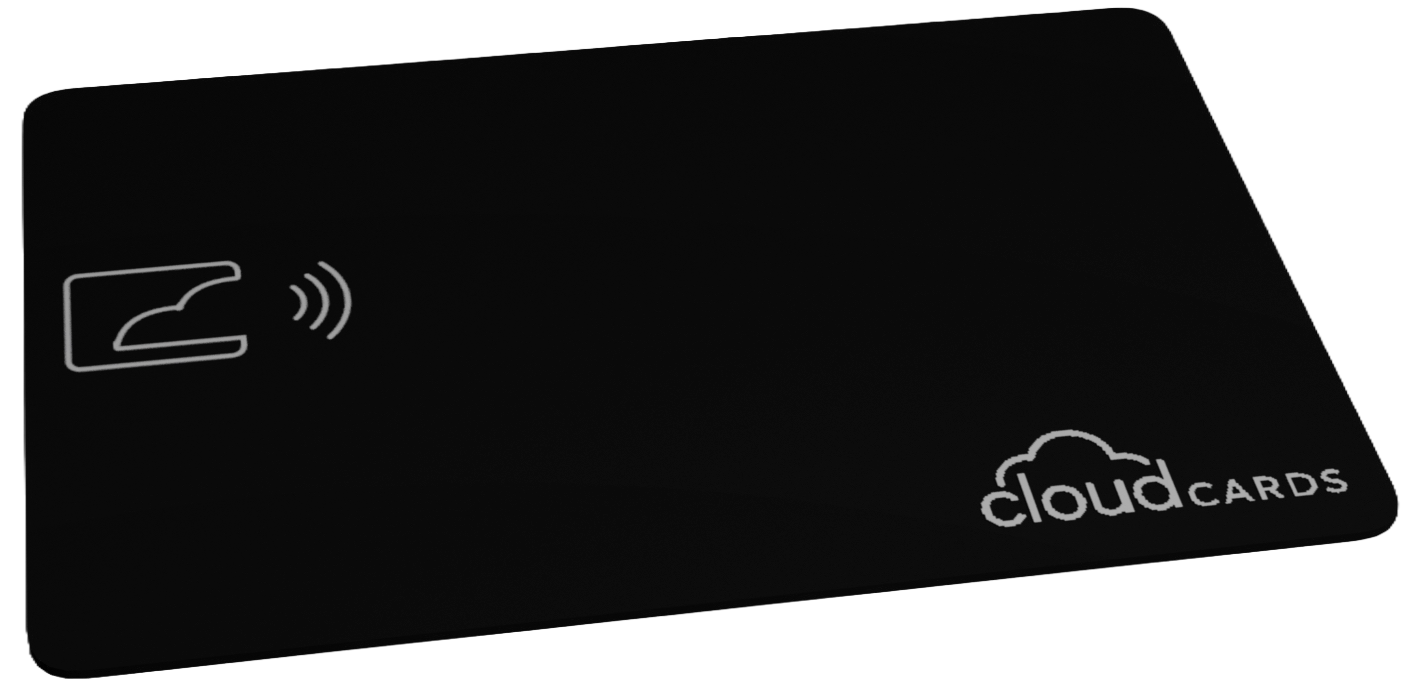
Tap to share. It's that simple.
NFC (Near Field Communication) lets your card communicate with smartphones wirelessly. Just hold your card near the top of someone's phone—no app required.
Set up your profile in 3 steps
Your card is already linked to your profile URL. Now personalize it so people see the right info when they tap.
Create your account
Sign up with your email to claim your profile. This is where you'll manage your contact info, links, and settings.
Add your information
Fill in your name, title, company, phone, email, and social links. This is what people see when they tap your card.
- Contact details (phone, email, address)
- Social links (LinkedIn, Twitter, Instagram, etc.)
- Custom links (website, calendar, portfolio)
Customize your look
Choose a theme, colors, and layout that match your brand. Make your profile stand out.
- Pick a theme (light, dark, or custom)
- Upload your photo or logo
- Arrange your links in the order you want
Not everyone has NFC? No problem.
Your profile also has a QR code and a shareable link. Use whichever method works best for the situation.
Create your profile now
It only takes a minute to set up. Then you're ready to share with anyone.